
Poster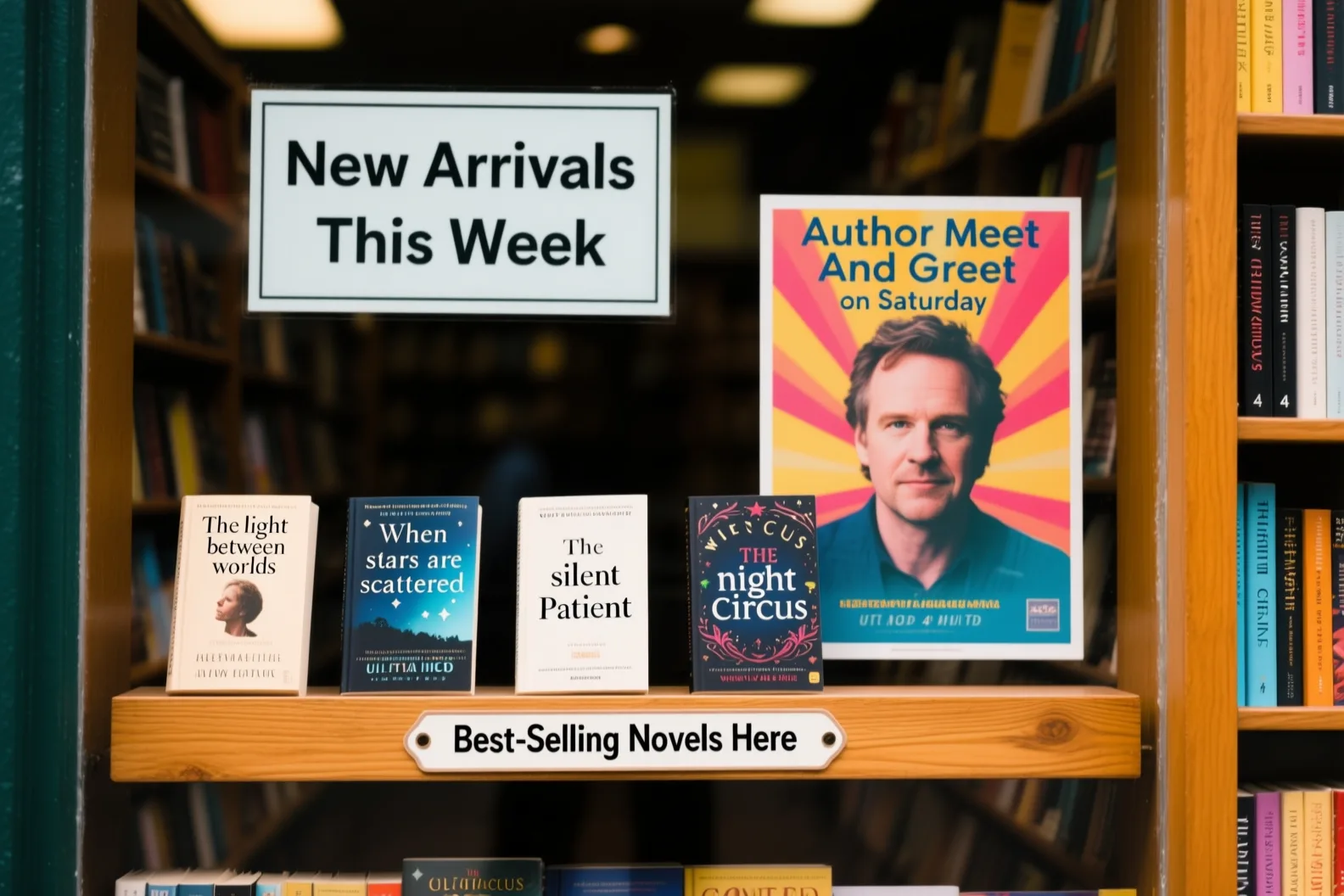

Text, layouts, multilingual visuals, and more
Generate posters, infographics, product visuals, multilingual designs, and storyboards from structured prompts — then review every label and detail before you ship.
Describe the result, choose your canvas, and generate a draft. Sign in and keep credits ready so the workspace can call the live generation API.
Your visual draft will appear here.
Generate from a structured brief, then check every label, detail, and claim.
Your short path after generating
Name the audience and the reading job.
Turn the structured brief into a first draft.
Check hierarchy, labels, and every locale.
Keep the approved direction and move forward.
Start from a practical visual task, then adapt the layout, wording, and style to your own project.
Useful for event announcements, launches, and campaigns where the words are part of the composition.
For marketers who need a poster draft with a headline, supporting details, and a clear next action.
Create a portrait launch poster for an independent bookstore. Exact headline: “READ WIDER.” Add the line “New voices every Friday” and a small footer reading “8 PM · 24 River Street.” Use a warm evening storefront, bold editorial type, a clear top-to-bottom reading order, and no extra words.
Qwen Image 3.0 is most relevant when text, layout, sequence, language, or fine detail is part of the deliverable—not just the mood.
Turn an offer, exact headline, benefits, and brand direction into a campaign draft that can be reviewed before production.
Growth marketers
Poster or product ad
Describe screens, controls, states, and visual hierarchy to create an interface direction for a design critique.
Product designers
UI or game-interface concept
Arrange concepts, formulas, labels, and diagrams into a visual lesson with a deliberate reading order.
Educators
Infographic or teaching slide
Explore one composition across languages, then inspect every translation, line break, and label before publishing.
Localization teams
Multilingual campaign system
Review connected scenes, subject continuity, camera direction, and pacing before a shoot or animation.
Creative directors
Storyboard or multi-panel sequence
Combine a product, material detail, lighting, benefit labels, and offer space in one visual direction.
Ecommerce teams
Photorealistic product visual
Use clearer instructions to control content, typography, language, composition, and fine visual details.
Describe panels, labels, formulas, diagrams, and nested layouts in one detailed brief instead of stitching several vague prompts together.
Generate a structured layout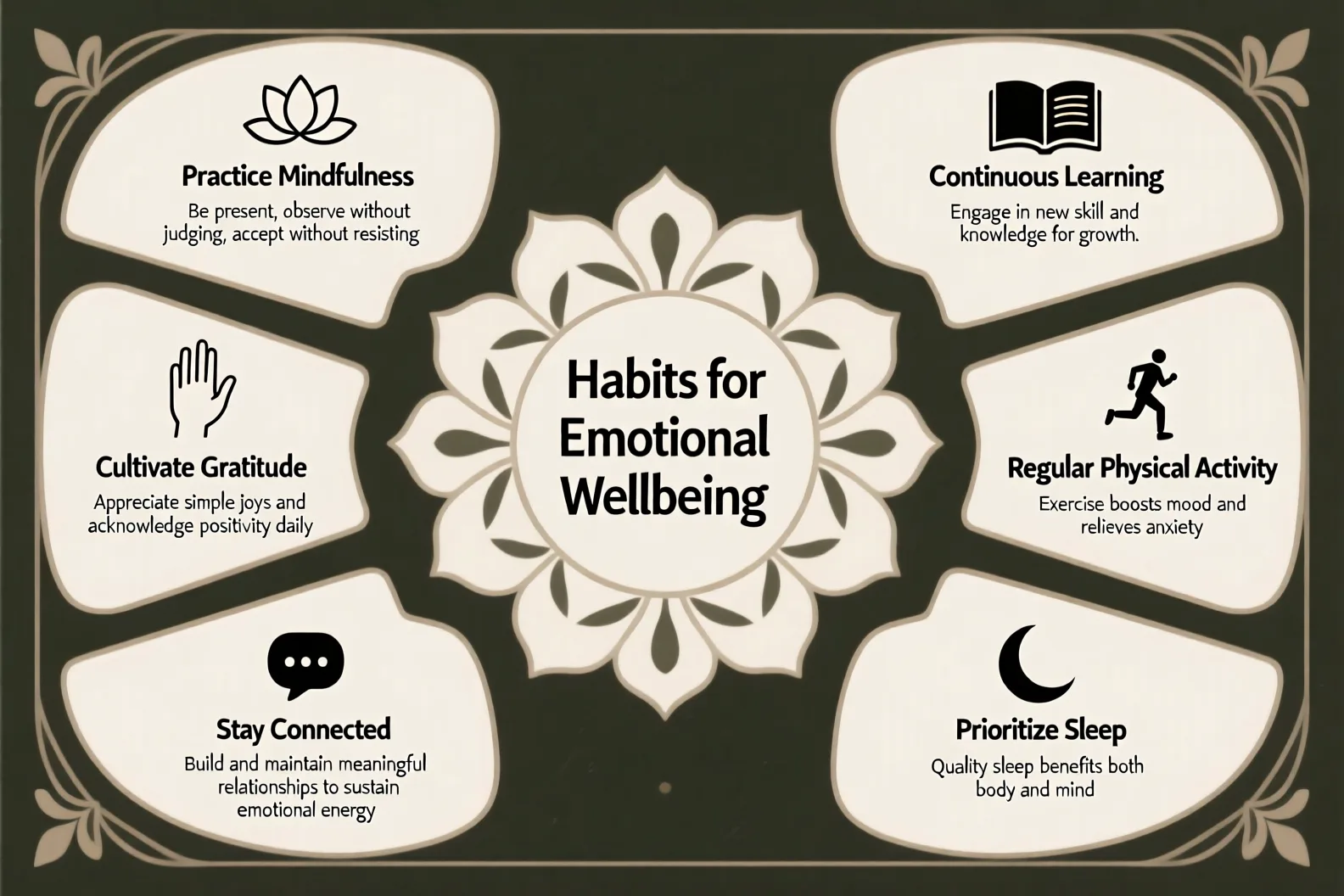
Specify exact headlines, labels, formulas, and annotations instead of adding them as an afterthought. Always review spelling, numbers, and claims before publishing.
Try text renderingUse a shared grid and visual hierarchy while changing the supplied copy across languages. Review every translation and line break before publishing.
Generate a multilingual setSet the focal point, reading order, spacing, camera angle, palette, and material cues so the image stays useful as well as visually polished.
Set the composition firstA useful prompt defines what the image must do, what it must contain, how it should read, and what it must avoid.
Name the decision or communication job.
Launch a compact espresso maker.Identify the product, person, place, or idea.
A matte-black countertop espresso maker.Set the canvas, hierarchy, panels, and reading order.
1:1; product centered; three benefits below.Quote every headline, label, number, and CTA.
“CAFÉ QUALITY, SMALL COUNTER.”Describe lighting, materials, palette, and medium.
Warm studio light, pale stone, premium editorial ad.State what must stay accurate or absent.
No invented logo; leave a clean price area.Purpose: launch a compact espresso maker to apartment dwellers. Main subject: a matte-black countertop espresso maker with a small ceramic cup. Layout: square 1:1 canvas, product centered, headline at the top, three labeled benefits below, and a clean price area at bottom right. Exact text: “CAFÉ QUALITY, SMALL COUNTER.” Labels: “15 bar,” “Ready in 30 sec,” and “Easy-clean tray.” Visual style: warm studio light, pale stone surface, premium editorial product photography. Constraints: accurate hands if shown, no invented logo, no extra copy, and keep every supplied word readable.
Describe the outcome, generate a draft in the workspace, then review every detail before you ship.
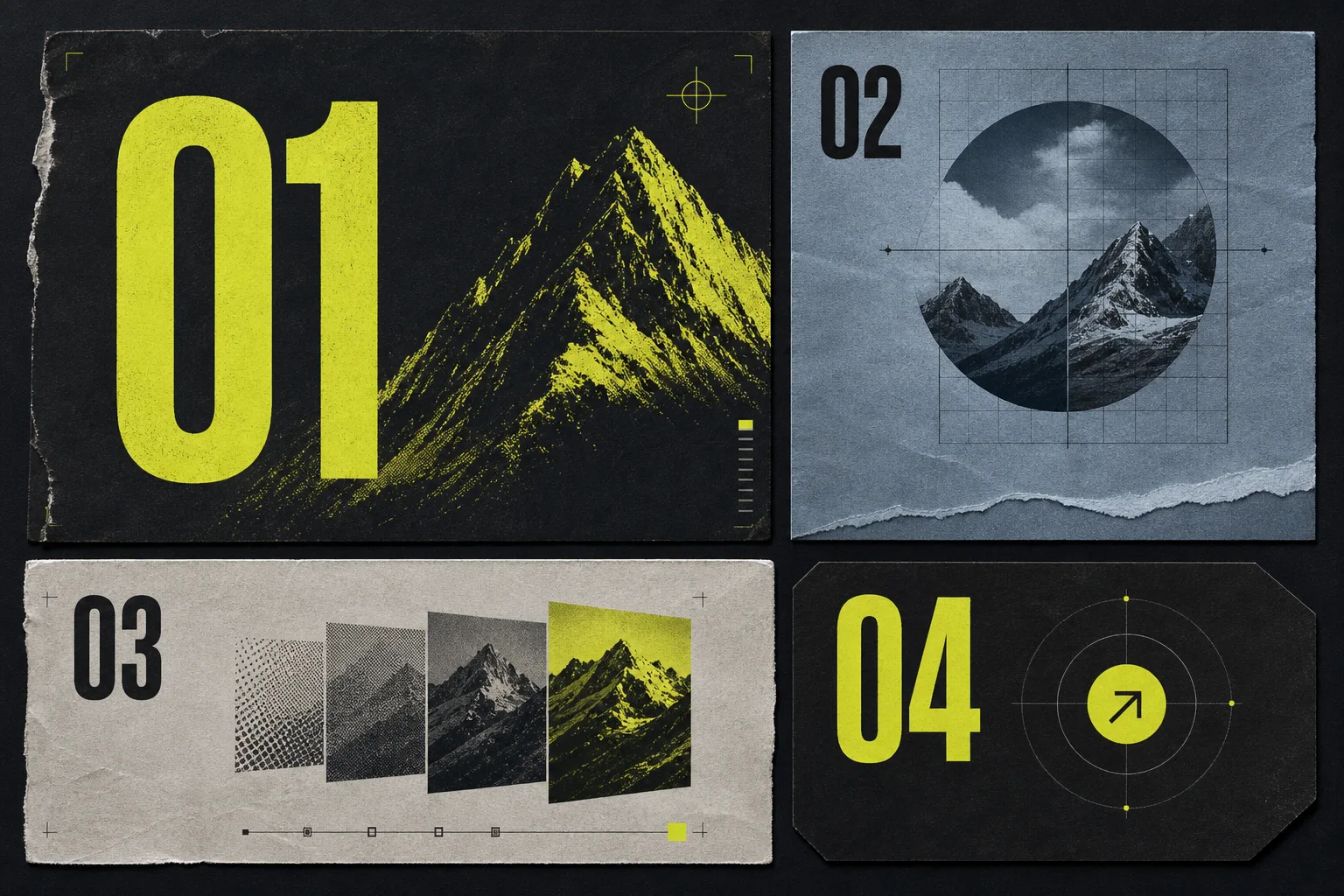 Describe
Write the purpose, subject, layout, exact text, visual style, and constraints. Pick 1:1, 16:9, or 9:16 in the generate desk.
Submit the brief to Qwen Image 3.0 through the live generate desk and wait for the first visual draft.
Inspect text, numbers, facts, translations, layout, and fine details. Update the prompt when something is wrong.
Quick answers for writing stronger prompts and reviewing image results.
You can plan posters, infographics, product visuals, presentation graphics, multilingual campaigns, UI concepts, storyboards, and realistic scenes. The best results start with a clear purpose, layout, exact text, and visual constraints.
Describe the purpose, main subject, canvas and layout, exact text, visual style, and constraints. Quote every word that must appear in the image and state what the model must not invent.
The generate desk includes square 1:1, landscape 16:9, and portrait 9:16 formats. Mention the selected format and intended placement in your prompt for a more useful composition.
Yes, text rendering is a documented model focus, including small text, formulas, labels, and dense layouts. Treat every result as a draft and verify spelling, numbers, formulas, and claims before publishing.
Qwen describes native rendering across 12 languages. Supply the exact copy you want instead of asking the model to invent a translation, then review spelling, line breaks, and meaning.
Commercial use depends on the terms of the model service you use, your source material, and applicable law. Check those terms and make sure your prompt, references, logos, and final image do not infringe third-party rights.
Image models can still misspell text, distort details, invent labels, or change a layout. Check every word, number, factual claim, hand, face, product feature, and brand element before using an image.
Qwen highlights longer and more structured instructions, denser layouts, smaller text rendering, multilingual design, realistic details, UI simulation, and broader visual knowledge in the 3.0 release.
No. This is an independent workspace for Qwen Image 3.0 and is not affiliated with or endorsed by Qwen or Alibaba.







Choose a task, describe the layout and exact words, then generate with Qwen Image 3.0 from the live workspace.